About
The whole pattern with no dependency. Wrap it in a native dialog (see Confirm Dialog) to make it the ⌘K overlay.
Use it when
- Power users move through many destinations and actions.
Skip it when
- There are fewer than six commands: use a menu.
Install
- 1Add the VibeBox registry to
components.json:{ "registries": { "@vibebox": "https://motion.vibeboxph.com/r/{name}.json" } } - 2Add the component with the shadcn CLI:
npx shadcn@latest add @vibebox/command-menu - 3Use it:
import { CommandMenu } from "@/components/vibebox/command-menu";

<CommandMenu accent="#7c5cff" />
AI prompt
Everything an AI coding tool needs to rebuild this component the way it looks here: colours, fonts, the art it draws, props and rules.
Read the prompt
Build the VibeBox Motion component "Command Menu" (Navigation) in a Next.js App Router project with Tailwind CSS v4.

What it is
- A command palette: type to filter, arrows to move, Enter to run, with shortcut hints.
- A command menu built as the ARIA combobox and listbox pattern: a search field over a list, the active option marked in the accent, arrow keys to move, Enter to run, and shortcut hints in `kbd`. It is an inline panel, so you decide whether to place it in a dialog.

Install
- `npx shadcn@latest add @vibebox/command-menu`
- Registry: add `"@vibebox": "https://motion.vibeboxph.com/r/{name}.json"` to components.json, then run the command. The source lands in `components/vibebox/command-menu` and is yours to edit.

Visual spec
- Colours (the VibeBox spectrum, the same in light and dark):
    - --spectrum-1: #00c5fc (cyan)
    - --spectrum-2: #1d6ef0 (blue)
    - --spectrum-3: #5225ed (indigo)
    - --spectrum-4: #e434dc (magenta)
    - --spectrum-5: #fd3aa9 (pink)
    - --spectrum-6: #f98472 (coral)
    - --spectrum-7: #fcbe72 (amber)
- Ink surface (dark): background #05070c, card #0a0d15, text #f5f6fa, muted text #a3abbd, border rgba(255,255,255,0.08).
- Paper surface (light): background #f3f0ea, card #fbfaf7, text #0c0e14, muted text #4a4f5c, border rgba(12,14,20,0.12).
- Fonts:
    - Display and body: Figtree (400, 500, 600, 700), falling back to ui-sans-serif, system-ui.
    - Emphasis: Fraunces italic, for one or two words of a heading.
    - Labels and code: JetBrains Mono (400, 500), uppercase labels with 0.14em tracking.
- Shape: radius 8 to 12px on cards and panels; pills may be fully round. Hairline borders, soft glow instead of heavy shadow.
- Motion: animate transform and opacity only; fast ease-out (cubic-bezier(0.16, 1, 0.3, 1)), 140ms for micro-interactions, 320 to 520ms for reveals.

Art and media
- Built from HTML, CSS and inline SVG only; no image files or video.

Props
- `commands`: `{ label: string; hint?: string; group?: string }[]`. The commands to filter.
- `onSelect`: `(command: Command) => void`. Called when a command is chosen.
- `accent`: `string` (default "blue"). The accent colour: blue, violet, emerald, amber, rose, or any CSS colour. It sets --app-accent on the root, so a parent can set it once for a whole screen.
- `className`: `string`. Merged with cn(); give it a width.

Behaviour and access
- Reduced motion: Nothing animates on its own.
- Keyboard: Type to filter; Up and Down move the active option; Enter runs it.
- Screen readers: Semantic elements with accessible names; decorative marks are hidden.
- Touch: Targets are 36 px or larger; nothing depends on hover.
- Budget: about 2 KB of JavaScript, WebGL none, GPU none. It pauses while off screen.

Theming
Everything reads `--app-accent` (set by the `accent` prop, or by a parent) and the mode's tokens, so light and dark and any brand colour work without code changes. Pass a named accent or any CSS colour; Launchpad sets it once per app from the client's theme.

Usage
```tsx
import { CommandMenu } from "@/components/vibebox/command-menu";

<CommandMenu accent="#7c5cff" />
```

Notes
Add the VibeBox Motion Command Menu with `npx shadcn@latest add @vibebox/command-menu`. Register your actions as commands and handle `onSelect`. Set the brand colour once with `--app-accent` on a parent (or the `accent` prop). It follows light and dark through the tokens; keep the licence header.

Rules
- Keep the licence header on every installed file.
- Original code only: do not copy components from other libraries, and do not add GSAP.
- Use tokens for colour, type and radius; no hard-coded brand values.
- Server Components by default; `"use client"` only for the island.
Code
2 filescomponents/vibebox/command-menu/command-menu.client.tsx
/**
 * VibeBox Motion · Command Menu
 * Copyright (c) 2026 VibeBox. Licensed under the VibeBox Motion Free License:
 * https://motion.vibeboxph.com/license
 * Use it in unlimited personal, commercial and client projects.
 * Do not sell or redistribute it as a component, kit, template or builder.
 */
"use client";

import { useId, useMemo, useState, type KeyboardEvent } from "react";
import { cn } from "@/lib/utils";
import { accentStyle } from "@/lib/vibebox/app-accent";

export type Command = { label: string; hint?: string; group?: string };
export type CommandMenuProps = { commands?: Command[]; onSelect?: (command: Command) => void; accent?: string; className?: string };

const SAMPLE: Command[] = [
  { label: "New booking", hint: "N", group: "Create" },
  { label: "Add a client", hint: "C", group: "Create" },
  { label: "Go to calendar", hint: "G C", group: "Navigate" },
  { label: "Go to messages", hint: "G M", group: "Navigate" },
  { label: "Switch theme", group: "Settings" },
  { label: "Open billing", group: "Settings" },
];

/** A command palette as a combobox: type to filter, arrows to move, Enter to run. */
export function CommandMenu({ commands = SAMPLE, onSelect, accent, className }: CommandMenuProps) {
  const [query, setQuery] = useState("");
  const [active, setActive] = useState(0);
  const listId = useId();
  const shown = useMemo(() => commands.filter((c) => c.label.toLowerCase().includes(query.trim().toLowerCase())), [commands, query]);
  const move = (event: KeyboardEvent) => {
    if (event.key === "ArrowDown") {
      event.preventDefault();
      setActive((i) => Math.min(i + 1, shown.length - 1));
    } else if (event.key === "ArrowUp") {
      event.preventDefault();
      setActive((i) => Math.max(i - 1, 0));
    } else if (event.key === "Enter" && shown[active]) {
      event.preventDefault();
      onSelect?.(shown[active]!);
    }
  };
  return (
    <div data-vb="command-menu" style={accentStyle(accent)} className={cn("overflow-hidden rounded-xl border border-border bg-popover text-popover-foreground shadow-md", className)}>
      <input
        role="combobox"
        aria-expanded="true"
        aria-controls={listId}
        aria-activedescendant={shown[active] ? `${listId}-${active}` : undefined}
        aria-label="Search commands"
        placeholder="Type a command"
        value={query}
        onChange={(event) => {
          setQuery(event.target.value);
          setActive(0);
        }}
        onKeyDown={move}
        className="h-12 w-full border-b border-border bg-transparent px-4 text-[1rem] outline-none placeholder:text-subtle-foreground"
      />
      <ul id={listId} role="listbox" aria-label="Commands" className="max-h-72 overflow-y-auto p-1.5">
        {shown.map((c, i) => (
          <li
            key={c.label}
            id={`${listId}-${i}`}
            role="option"
            aria-selected={i === active}
            onMouseMove={() => setActive(i)}
            onClick={() => onSelect?.(c)}
            className={cn("flex cursor-pointer items-center justify-between rounded-lg px-3 py-2 text-small", i === active && "bg-[color-mix(in_oklab,var(--app-accent)_16%,transparent)]")}
          >
            <span>{c.label}{c.group && <span className="ml-2 text-caption text-subtle-foreground">{c.group}</span>}</span>
            {c.hint && <kbd className="rounded border border-border px-1.5 font-mono text-caption text-muted-foreground">{c.hint}</kbd>}
          </li>
        ))}
        {shown.length === 0 && <li role="presentation" className="px-3 py-6 text-center text-small text-muted-foreground">Nothing matches “{query}”.</li>}
      </ul>
    </div>
  );
}
components/vibebox/command-menu/index.tsx
/**
 * VibeBox Motion · Command Menu
 * Copyright (c) 2026 VibeBox. Licensed under the VibeBox Motion Free License:
 * https://motion.vibeboxph.com/license
 * Use it in unlimited personal, commercial and client projects.
 * Do not sell or redistribute it as a component, kit, template or builder.
 */
export { CommandMenu, type CommandMenuProps } from "./command-menu.client";
Props
| Prop | Type | Default | Description |
|---|---|---|---|
| commands | { label: string; hint?: string; group?: string }[] | — | The commands to filter. |
| onSelect | (command: Command) => void | — | Called when a command is chosen. |
| accent | string | "blue" | The accent colour: blue, violet, emerald, amber, rose, or any CSS colour. It sets --app-accent on the root, so a parent can set it once for a whole screen. |
| className | string | — | Merged with cn(); give it a width. |
Accessibility and motion
- Keyboard
- Type to filter; Up and Down move the active option; Enter runs it.
- Screen readers
- Semantic elements with accessible names; decorative marks are hidden.
- Touch
- Targets are 36 px or larger; nothing depends on hover.
- Reduced motion
- Nothing animates on its own.
Edge cases and limits
- Filtering is a case-insensitive substring match; swap in fuzzy matching if needed.
Related
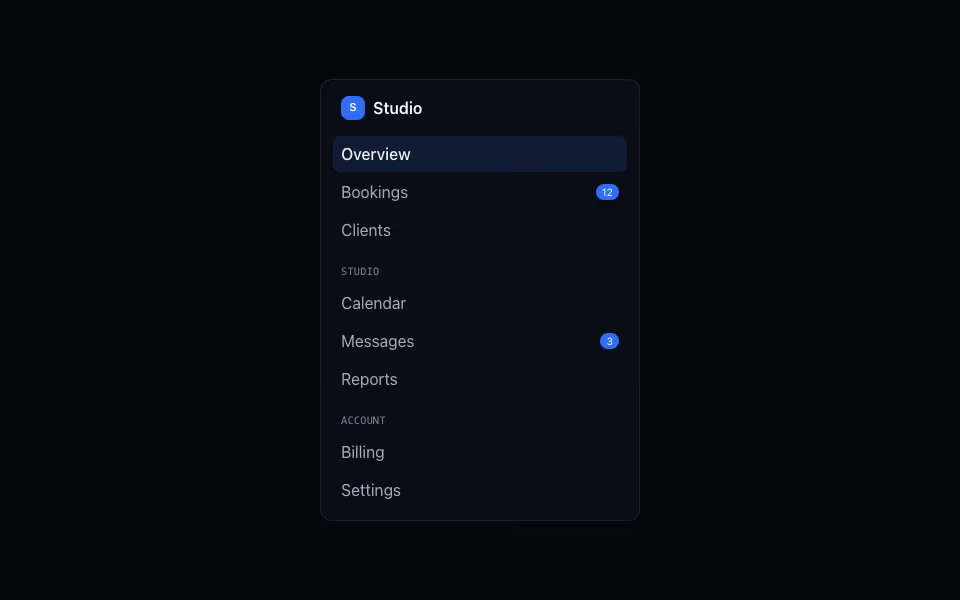
App Sidebar
FreeAn app sidebar with a brand, titled groups of links, badges and the current page in the accent.
Navigation · Server
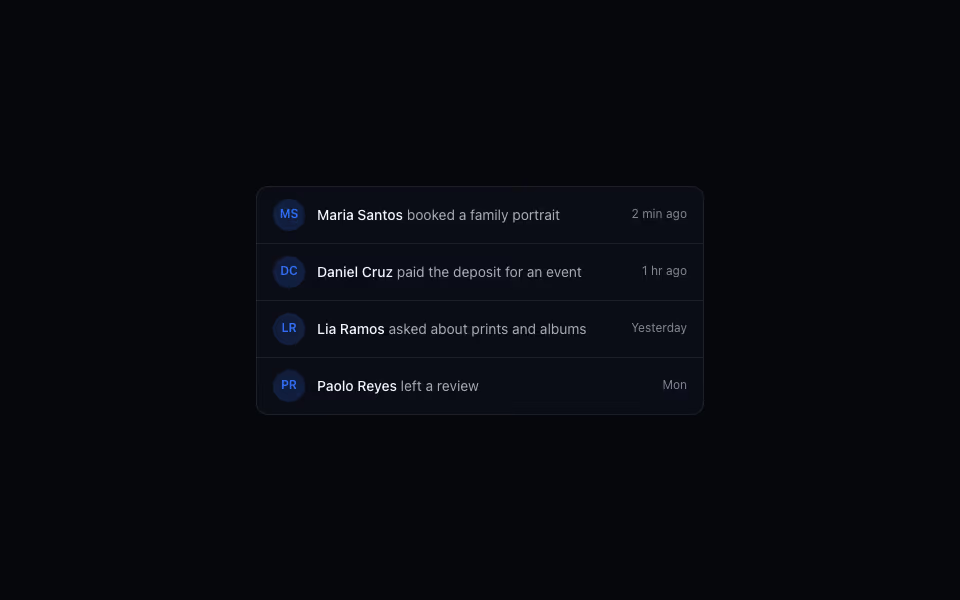
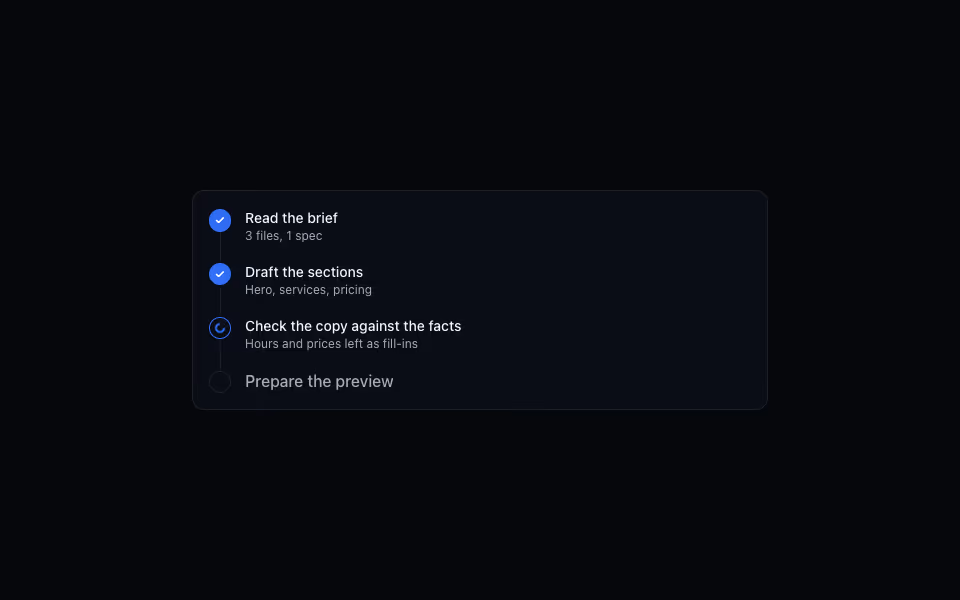
Agent Activity
FreeA timeline of what an agent is doing: done steps ticked, the running one spinning, the rest queued.
AI and agents · Server