Split Scroll About
A tall photo stays in view while the story, details and milestones scroll past it, each revealing as it arrives.
Controls
<AboutSplitScroll />About
The Pro counterpart of about-story for businesses with history worth telling.
Use it when
- The business has milestones (opening, moves, new services).
Skip it when
- The story is a paragraph: use
about-story.
Install
The demo above is live today. Installing Pro items opens with VibeBox Motion Pro; join the waitlist to hear first.
Code
The source is part of VibeBox Motion Pro.
Licensed per seat; it installs with the same shadcn command once Pro opens.
See Pro and join the waitlistContent
Typed slots from schema.ts. Facts (hours, prices, quotes, names) come only from the business; until then they render as fill-ins.
| Slot | Label | Type | Limit | Fact |
|---|---|---|---|---|
| eyebrow | Kicker | text | 32 chars | — |
| heading | Heading | text | 60 chars | — |
| body | Story | richText | 600 chars | — |
| media | Photo | image | — | — |
| details | Details | list | up to 4 | — |
| details[].label | Label | text | 24 chars | — |
| details[].value | Value | text | 60 chars | Can be a fill-in |
| milestones | Milestones | list | up to 6 | — |
| milestones[].when | When | fact | 24 chars | Yes, a fill-in until given |
| milestones[].text | What happened | text | 120 chars | — |
Variants
Photo leftdefault
media-left
Sticky photo left, story right.
Photo right
media-right
Story left, sticky photo right.
Accessibility and motion
- Keyboard
- Links inside the story.
- Screen readers
- Heading, story, details list, and an ordered list of milestones.
- Touch
- Nothing to touch.
- Reduced motion
- Everything shows at once.
Edge cases and limits
- Six milestones and a 600-character story make the photo stick for longer; fine.
Related
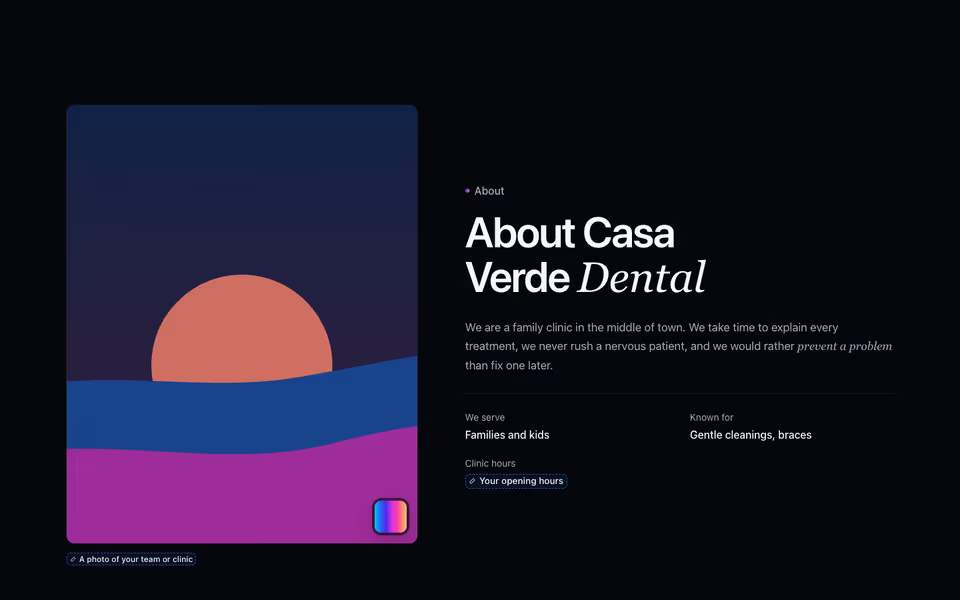
About Story
FreeThe business in its own words: a tall photo with a caption beside the story and a few honest details.
About block · Server
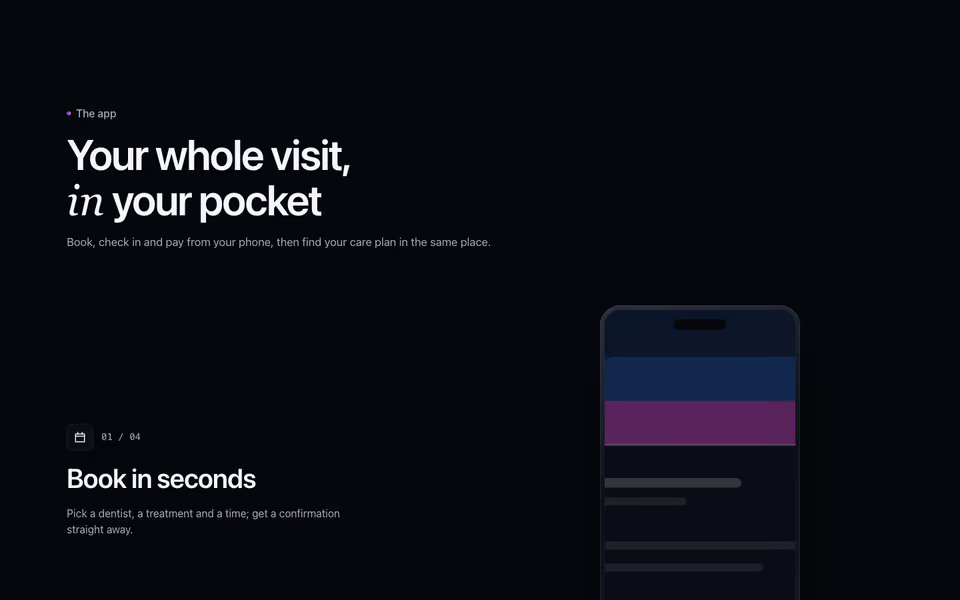
Services scroll past one at a time while a sticky phone beside them shows each one's screen.
Services block · Motion
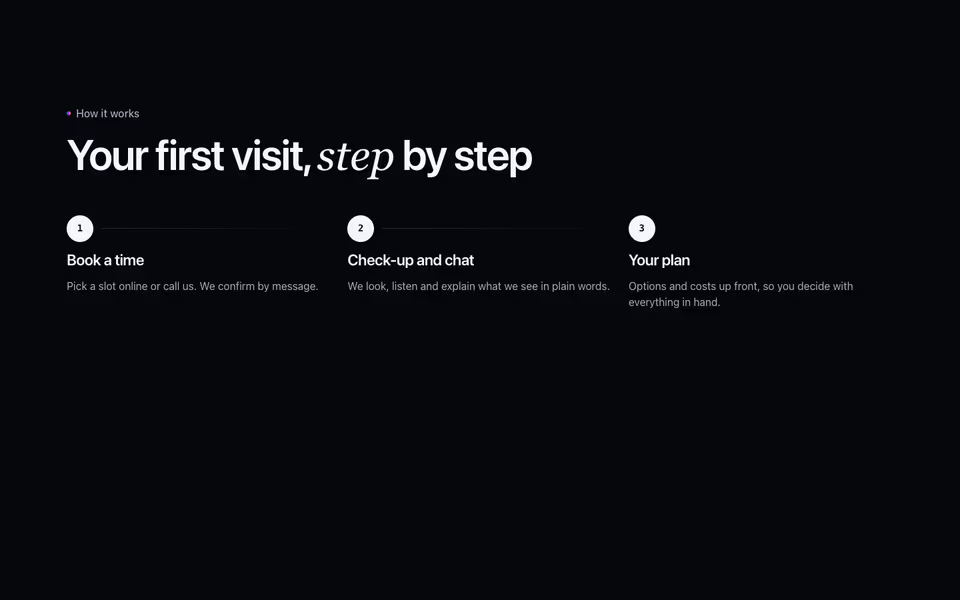
Steps
FreeThree to five steps from first contact to done, as a numbered row or a timeline beside the heading.
How it works block · Server