Liquid Orb
A living liquid drop for an AI assistant: it listens, thinks and speaks, dents under touch and morphs between shapes.
Controls
<LiquidOrb />About
A face for an assistant. A ray-marched liquid drop in spectrum colours breathes at rest, leans in and quivers while listening, grows orbiting droplets and a scanning light while thinking, and runs waves across its skin while speaking. When it is interactive, the surface dents under the pointer, a press throws droplets from the contact point, and a click morphs it to its next shape (a speech bubble, a sparkle, a browser window, a ring, a gem, a heart). A launcher orb that is alone on screen alternates its chat bubble with the other shapes; the orbs in an open chat window drift through every shape after six calm seconds. Any mood change returns the liquid to a drop. Every orb on a page, from a 200 px welcome orb to 28 px message avatars, shares one engine and one WebGL2 context, so ten orbs cost what one does. Ported from Vyra, the VibeBox assistant; Vyra's equalizer-cube shape stays in VibeBox's own code.
Use it when
- An assistant, chatbot or voice feature needs a presence: the launcher, the window header, message avatars.
- A page wants one calm, living accent that reacts to what the assistant is doing.
Skip it when
- Nothing on the page is an assistant; the orb reads as "AI".
- The page is motion level 0 or 1; use a still avatar image.
Install
The demo above is live today. Installing Pro items opens with VibeBox Motion Pro; join the waitlist to hear first.
Code
The source is part of VibeBox Motion Pro.
Licensed per seat; it installs with the same shadcn command once Pro opens.
See Pro and join the waitlistProps
| Prop | Type | Default | Description |
|---|---|---|---|
| size | number | 96 | Diameter in px; the aura spills past it. |
| mood | "idle" | "listening" | "thinking" | "speaking" | — | Sets the shared mood of every orb on the page; leave it out to drive it with setOrbMood(). |
| role | "avatar" | "launcher" | "avatar" | A launcher morphs between shapes while it is the only orb on screen and shows a chat glyph until live. |
| interactive | boolean | false | The surface dents under the pointer, a press splashes, a click moves to the next shape. |
| hover | boolean | false | Its control is hovered: the orb reaches toward the cursor. |
| halo | boolean | true | A soft spectrum glow behind the painted orb. |
| shapes | readonly OrbShapeName[] | bubble, sparkle, browser, ring, gem, heart | Shapes the orbs cycle through; the first orb to load the engine sets them. |
| label | string | — | Accessible name; without it the orb is decorative. |
| className | string | — | Merged with cn(). |
Accessibility and motion
- Keyboard
- Not focusable; put it inside the button or heading it belongs to. A click is a playful extra, never the only way to do something.
- Screen readers
- Decorative (aria-hidden) by default; with
labelit is an image with that name. - Touch
- When interactive, a touch dents the surface and a tap splashes; the orb takes the touch (touch-action: none), so keep interactive orbs small or out of the scroll path.
- Reduced motion
- A still frame of the drop, redrawn when the mood changes; no splash, shape cycle or idle drift.
Edge cases and limits
- One mood per page: every orb shows the same mood, because they are one assistant.
shapesis read once, by the first orb that loads the engine.- Without hardware WebGL2 (software renderers included), or after a lost context, the painted orb stays.
- The liquid's colours do not follow the tokens yet (see Theming).
Related
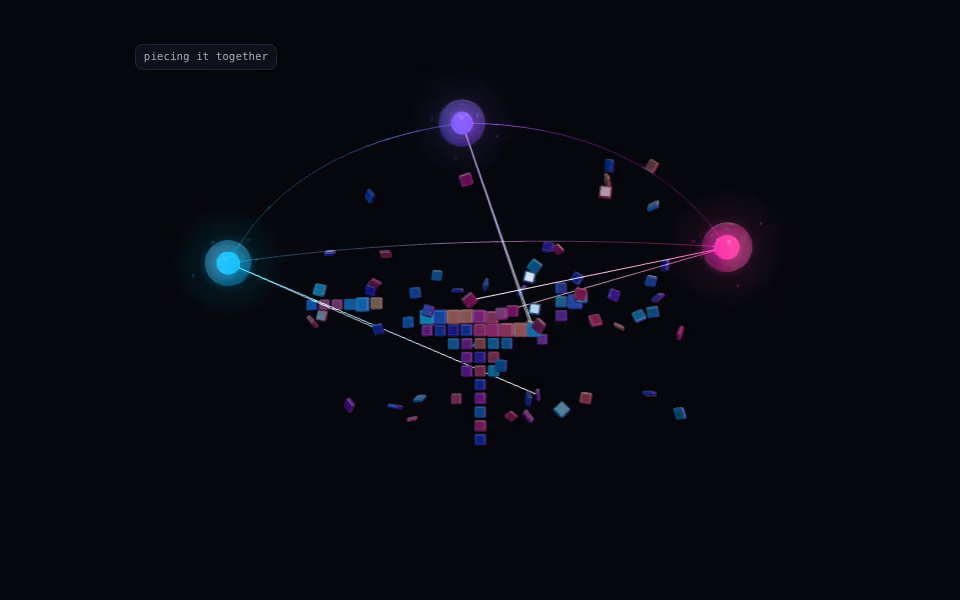
Three orbs think over a cloud of pieces, then beam them into place until your mark stands in pixels.
3D · three.js
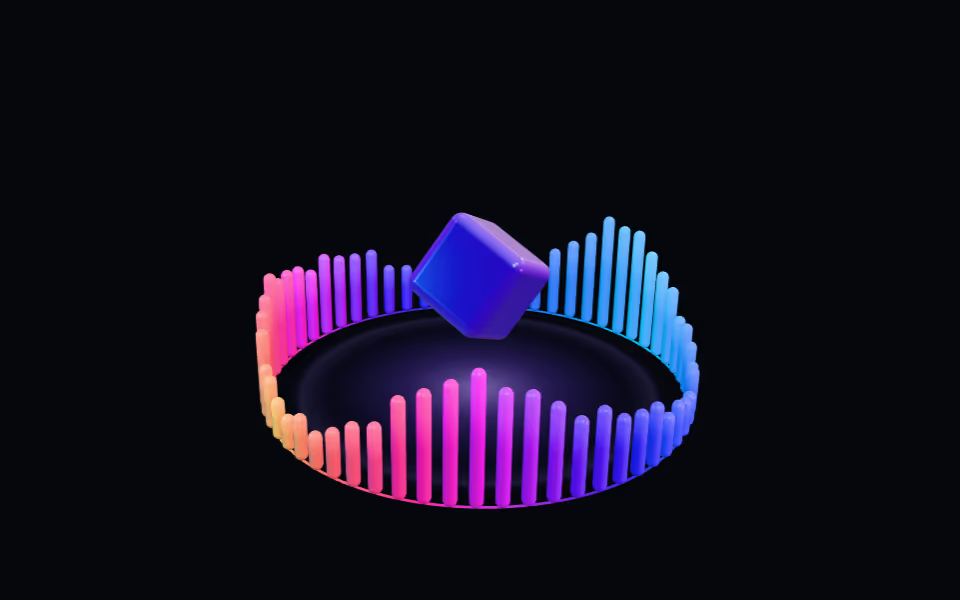
Equalizer Ring
FreeA crown of light bars pulsing like a visualizer around a floating glass box; bars rise toward the pointer.
3D · three.js
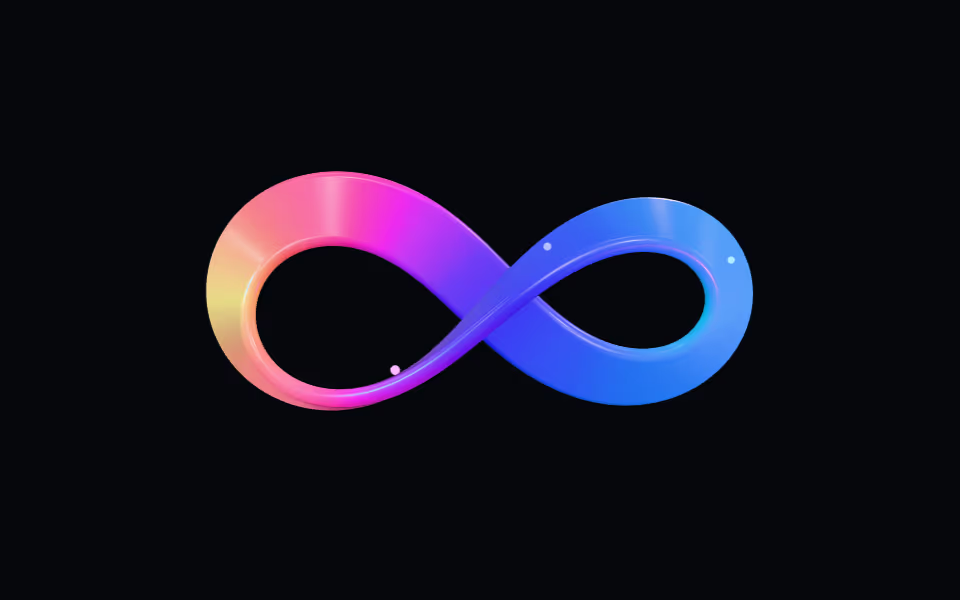
Infinity Ribbon
FreeA glossy spectrum ribbon twisted into a figure-eight, with a travelling light pass; it bends toward the pointer.
3D · three.js