Booking Request
Pick a service, a day and a time of day, leave a name and email: a real request the business answers.
npx shadcn@latest add @vibebox/booking-cta-requestControls
<BookingCtaRequest />About
The Launchpad site kit put a working widget on every site: the one thing a visitor comes to do (decision 0016). Its booking flow ended in an on-page confirmation with invented "taken" slots, which a live site cannot honestly show until a booking module exists (Phase 7). This block keeps the part that works today: the business's own services, a preferred day and time of day, and a way to reply, sent as an inquiry through the app's inquiry route. It differs from booking-cta-band (a heading and a link to book) by doing the asking on the page.
Use it when
- The business takes visits or appointments and answers requests by message or email.
- There is no booking system yet, or the client prefers to confirm times by hand.
Skip it when
- Bookings run through a booking module: the module's own block replaces this (Phase 7).
- The site only needs a link to an outside booking page: use
booking-cta-band.
Install
- 1Add the VibeBox registry to
components.json:{ "registries": { "@vibebox": "https://motion.vibeboxph.com/r/{name}.json" } } - 2Add the block with the shadcn CLI:
npx shadcn@latest add @vibebox/booking-cta-request - 3Use it:
import { BookingCtaRequest } from "@/components/vibebox/booking-cta-request";
import { home } from "@/content/pages/home";

<BookingCtaRequest content={home.book} variant="split" id="book" />
Code
2 filescomponents/vibebox/booking-cta-request/index.tsx
/**
 * VibeBox Motion · Booking Request
 * Copyright (c) 2026 VibeBox. Licensed under the VibeBox Motion Free License:
 * https://motion.vibeboxph.com/license
 * Use it in unlimited personal, commercial and client projects.
 * Do not sell or redistribute it as a component, kit, template or builder.
 */
import { ACTION_STYLES, buttonClass, Container, headingId, Icon, REVEAL, Section, SectionHead, SlotText, type BlockProps } from "@/lib/vibebox/block-kit";
import { cn } from "@/lib/utils";
import type { Content, Variant } from "./schema";

/*
 * The booking a visitor came for, as a request: the business's own services, a preferred day and
 * time of day, and a way to reply. A plain HTML form that posts to the app's inquiry route (which
 * folds the choices into the message), so it works without JavaScript and nothing is confirmed
 * that has not happened. Chips are radio inputs; a three-step strip lights as the request takes
 * shape (CSS :has). In preview it never submits.
 */

const STYLES = `
[data-vb="booking-cta-request"] [data-vb-step] > span { transform-origin: left; transform: scaleX(0); transition: transform var(--vb-duration-reveal) var(--ease-expo-out); }
[data-vb="booking-cta-request"] form:has([name="service"]:checked) [data-vb-step="1"] > span,
[data-vb="booking-cta-request"] form:has(:is([name="day"], [name="time"]):checked) [data-vb-step="2"] > span,
[data-vb="booking-cta-request"] form:has([name="name"]:valid):has([name="email"]:valid) [data-vb-step="3"] > span { transform: scaleX(1); }
@media (prefers-reduced-motion: reduce) { [data-vb="booking-cta-request"] :is([data-vb-step] > span, [data-vb-chip]) { transition: none; } }
[data-motion="0"] [data-vb="booking-cta-request"] :is([data-vb-step] > span, [data-vb-chip]) { transition: none; }
`;

const fieldClass =
  "h-12 w-full rounded-md border border-input bg-background px-3.5 text-body text-foreground transition-colors duration-(--vb-duration-micro) placeholder:text-subtle-foreground hover:border-border-strong focus-visible:border-ring focus-visible:outline-2 focus-visible:outline-offset-0 focus-visible:outline-ring/40";

function Chips({ name, legend, legendPath, options, optionsPath, checked }: { name: string; legend: string; legendPath: string; options: string[]; optionsPath: string; checked?: number }) {
  return (
    <fieldset className="grid min-w-0 content-start gap-2.5">
      <legend className="mb-2.5 text-small font-medium text-muted-foreground">
        <span data-slot={legendPath}>{legend}</span>
      </legend>
      <div className="flex flex-wrap items-start gap-2">
        {options.map((option, index) => (
          <label
            key={index}
            data-vb-chip=""
            className={cn(
              "relative inline-flex min-h-11 cursor-pointer items-center rounded-md px-3.5 text-small font-medium ring-1 ring-border-strong ring-inset select-none",
              "transition-[background-color,color,transform] duration-(--vb-duration-micro) ease-expo-out hover:bg-accent active:scale-[0.97]",
              "has-[:checked]:bg-primary has-[:checked]:text-primary-foreground has-[:checked]:ring-transparent",
              "has-[:focus-visible]:outline-2 has-[:focus-visible]:outline-offset-2 has-[:focus-visible]:outline-ring",
            )}
          >
            <input type="radio" name={name} value={option} defaultChecked={checked === index} className="sr-only" />
            <span data-slot={`${optionsPath}.${index}`}>{option}</span>
          </label>
        ))}
      </div>
    </fieldset>
  );
}

export type BookingCtaRequestProps = BlockProps<Content, Variant> & {
  /** Where the form posts. Assembled apps handle /api/inquiries. */
  action?: string;
  /** Launchpad preview: the button does nothing. */
  preview?: boolean;
};

export function BookingCtaRequest({ content, variant = "split", id, tone, className, action = "/api/inquiries", preview = false }: BookingCtaRequestProps) {
  const { request } = content;
  const stacked = variant === "stacked";
  const steps = [request.serviceLabel, request.dayLabel, request.nameLabel];
  return (
    <Section slug="booking-cta-request" variant={variant} id={id} tone={tone} labelledBy={headingId(id)} className={className}>
      <style href="vb-booking-cta-request" precedence="vb">
        {STYLES}
      </style>
      <Container className={cn("grid gap-[clamp(32px,4vw,56px)]", !stacked && "lg:grid-cols-[minmax(0,0.9fr)_minmax(0,1.1fr)] lg:items-start lg:gap-16")}>
        <div className={cn("grid content-start gap-6", !stacked && "lg:sticky lg:top-24")}>
          <SectionHead eyebrow={content.eyebrow} heading={content.heading} lead={content.lead} id={id} />
          {content.details.length > 0 && (
            <dl className="flex flex-wrap gap-x-10 gap-y-4 border-t border-border pt-6">
              {content.details.map((detail, index) => (
                <div key={index} className="grid min-w-0 gap-1">
                  <SlotText as="dt" value={detail.label} path={`details.${index}.label`} className="text-small text-muted-foreground" />
                  <SlotText as="dd" value={detail.value} path={`details.${index}.value`} className="font-medium" />
                </div>
              ))}
            </dl>
          )}
        </div>

        <form
          action={preview ? undefined : action}
          method={preview ? undefined : "post"}
          className={cn("relative grid gap-7 rounded-xl bg-card p-5 text-card-foreground shadow-sm ring-1 ring-border sm:p-8", REVEAL)}
        >
          <input type="hidden" name="source" value="booking" />
          {/* A field people never see: bots fill it in, and the inquiry route drops those posts. */}
          <div aria-hidden="true" className="absolute -left-[10000px] h-px w-px overflow-hidden">
            <label>
              Company
              <input type="text" name="company" tabIndex={-1} autoComplete="off" />
            </label>
          </div>
          <ol aria-hidden="true" className="grid grid-cols-3 gap-2">
            {steps.map((label, index) => (
              <li key={index} className="grid gap-1.5">
                <span data-vb-step={index + 1} className="relative block h-0.5 overflow-hidden rounded-full bg-border">
                  <span className="absolute inset-0 rounded-full bg-primary" />
                </span>
                <span className="truncate font-mono text-caption text-subtle-foreground">
                  {String(index + 1).padStart(2, "0")} {label}
                </span>
              </li>
            ))}
          </ol>
          <Chips name="service" legend={request.serviceLabel} legendPath="request.serviceLabel" options={request.services} optionsPath="request.services" checked={0} />
          <div className="grid gap-7 sm:grid-cols-2">
            <Chips name="day" legend={request.dayLabel} legendPath="request.dayLabel" options={request.days} optionsPath="request.days" />
            <Chips name="time" legend={request.timeLabel} legendPath="request.timeLabel" options={request.times} optionsPath="request.times" />
          </div>
          <div className={cn("grid gap-4", request.phoneLabel ? "sm:grid-cols-3" : "sm:grid-cols-2")}>
            <label className="grid gap-1.5">
              <span data-slot="request.nameLabel" className="text-small font-medium">
                {request.nameLabel}
              </span>
              <input type="text" name="name" required autoComplete="name" maxLength={120} className={fieldClass} />
            </label>
            <label className="grid gap-1.5">
              <span data-slot="request.emailLabel" className="text-small font-medium">
                {request.emailLabel}
              </span>
              <input type="email" name="email" required autoComplete="email" maxLength={200} className={fieldClass} />
            </label>
            {request.phoneLabel && (
              <label className="grid gap-1.5">
                <span data-slot="request.phoneLabel" className="text-small font-medium">
                  {request.phoneLabel}
                </span>
                <input type="tel" name="phone" autoComplete="tel" inputMode="tel" maxLength={40} className={fieldClass} />
              </label>
            )}
          </div>
          <div className="flex flex-col gap-4 border-t border-border pt-6 sm:flex-row sm:items-center sm:justify-between">
            <SlotText as="p" value={request.note} path="request.note" className="max-w-[40ch] text-small text-pretty text-muted-foreground" />
            <button type={preview ? "button" : "submit"} className={cn(buttonClass("primary", "lg"), "vb-action-primary w-full shrink-0 sm:w-auto")}>
              <style href="vb-action" precedence="vb">
                {ACTION_STYLES}
              </style>
              <span aria-hidden="true" className="vb-action-fx" />
              <span data-slot="primaryAction.label" className="vb-action-label truncate">
                {content.primaryAction.label}
              </span>
              <span aria-hidden="true" className="vb-action-go inline-grid">
                <Icon name="arrow-right" className="size-4 transition-transform duration-(--vb-duration-micro) group-hover/action:translate-x-0.5" />
                <Icon name="arrow-right" className="size-4" />
              </span>
            </button>
          </div>
        </form>
      </Container>
    </Section>
  );
}
components/vibebox/booking-cta-request/schema.ts
/**
 * VibeBox Motion · Booking Request
 * Copyright (c) 2026 VibeBox. Licensed under the VibeBox Motion Free License:
 * https://motion.vibeboxph.com/license
 * Use it in unlimited personal, commercial and client projects.
 * Do not sell or redistribute it as a component, kit, template or builder.
 */
import { list, sections, text, z } from "@/lib/vibebox/content";

export const variants = ["split", "stacked"] as const;

export type Variant = (typeof variants)[number];

/** The booking section's base, plus the request form: what, which day, what time, and who. */
export const content = sections["booking-cta"].extend({
  request: z.strictObject({
    serviceLabel: text({ role: "Service question", max: 32 }),
    services: list(text({ role: "Service", max: 28 }), { role: "Services", min: 1, max: 6 }),
    dayLabel: text({ role: "Day question", max: 32 }),
    days: list(text({ role: "Day", max: 14 }), { role: "Days", min: 2, max: 4 }),
    timeLabel: text({ role: "Time question", max: 32 }),
    times: list(text({ role: "Time", max: 14 }), { role: "Times", min: 2, max: 4 }),
    nameLabel: text({ role: "Name label", max: 24 }),
    emailLabel: text({ role: "Email label", max: 24 }),
    phoneLabel: text({ role: "Phone label", max: 24 }).optional(),
    note: text({ role: "Note", max: 120, fillIn: true }).optional(),
  }),
});

export type Content = z.infer<typeof content>;
Content
Typed slots from schema.ts. Facts (hours, prices, quotes, names) come only from the business; until then they render as fill-ins.
| Slot | Label | Type | Limit | Fact |
|---|---|---|---|---|
| eyebrow | Kicker | text | 32 chars | — |
| heading | Heading | text | 60 chars | — |
| lead | Intro | text | 160 chars | — |
| primaryAction | Main button | action | 24 chars | — |
| secondaryAction | Second button | action | 24 chars | — |
| details | Details | list | up to 3 | — |
| details[].label | Label | text | 24 chars | — |
| details[].value | Value | text | 60 chars | Can be a fill-in |
| request.serviceLabel | Service question | text | 32 chars | — |
| request.services | Services | list | up to 6 | — |
| request.services[] | Service | text | 28 chars | — |
| request.dayLabel | Day question | text | 32 chars | — |
| request.days | Days | list | up to 4 | — |
| request.days[] | Day | text | 14 chars | — |
| request.timeLabel | Time question | text | 32 chars | — |
| request.times | Times | list | up to 4 | — |
| request.times[] | Time | text | 14 chars | — |
| request.nameLabel | Name label | text | 24 chars | — |
| request.emailLabel | Email label | text | 24 chars | — |
| request.phoneLabel | Phone label | text | 24 chars | — |
| request.note | Note | text | 120 chars | Can be a fill-in |
Variants
Splitdefault
split
Heading, details and note on the left; the request card on the right on desktop.
Stacked
stacked
Heading above a wide request card, for a booking page.
Accessibility and motion
- Keyboard
- Each question is a radio group (arrow keys move within it), then the fields and the send button.
- Screen readers
- Each question is a fieldset with a legend; the fields have labels; the note is read before the button.
- Touch
- Chips are at least 44 px tall; nothing depends on hover.
- Reduced motion
- The card appears without its reveal; chips change state at once.
Edge cases and limits
- Six long service names wrap onto several rows of chips.
- Without
:hassupport the step strip stays empty; everything else works. - The main action's
hrefis not used: the button sends the form, and its label is the button's.
Related
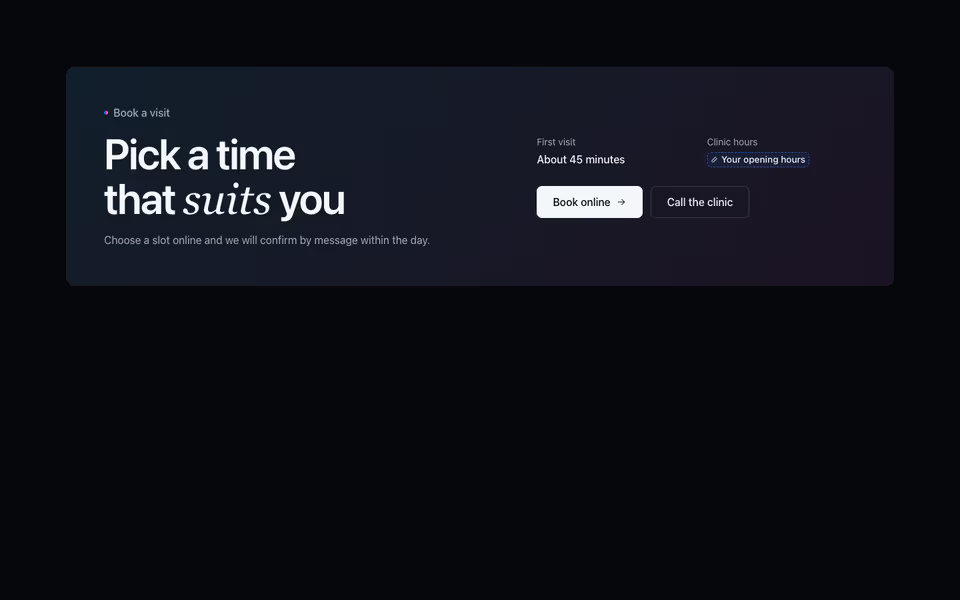
Booking Band
FreeWhen, how long and one clear booking action, on a tinted band or a centred card.
Booking block · Server
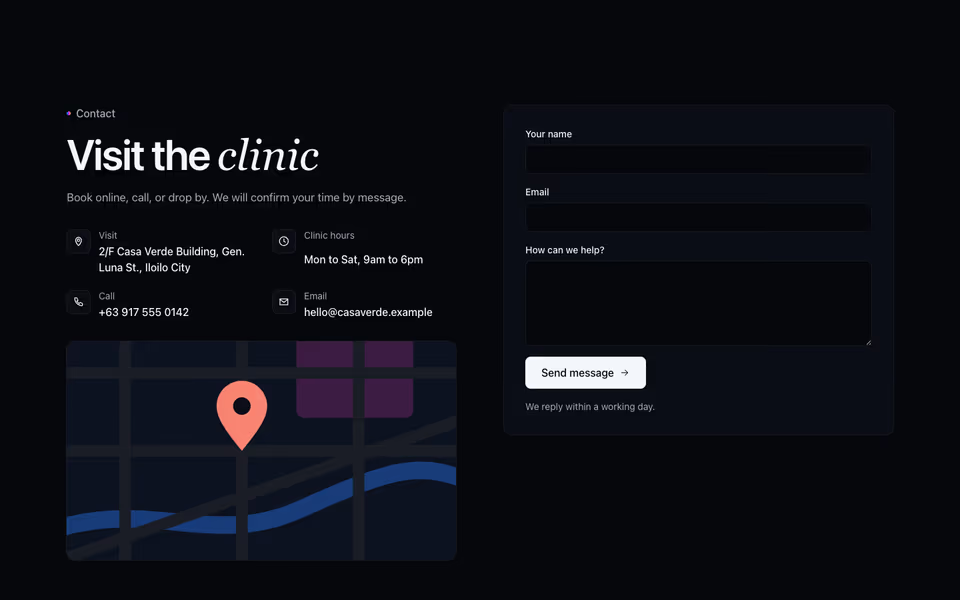
Split Contact
FreeEvery way to reach the business beside an inquiry form that works without JavaScript; facts are fill-ins until given.
Contact block · Server
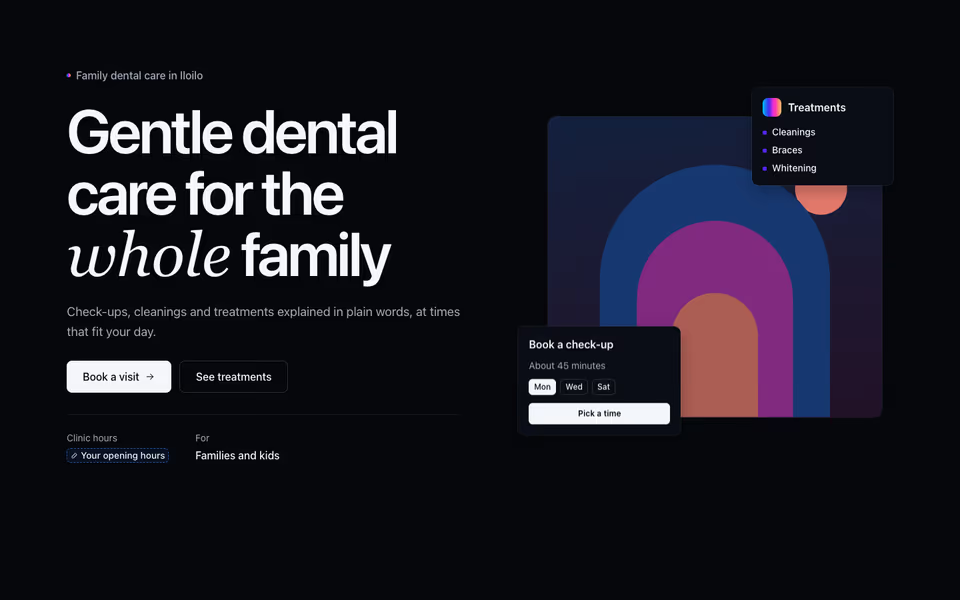
Split Stage Hero
FreeThe promise beside a stage: your photo or a scene with two floating cards that show what booking or ordering looks like.
Heroes block · three.js