Context Cursor
A cursor label that says what a click will do ("View", "Play", "Drag") and changes with the target. Fine pointers only.
npx shadcn@latest add @vibebox/context-cursorAbout
A small companion to the mouse that answers "what happens if I click?". Wrap a region, mark its targets with data-cursor="View" (and optionally data-cursor-icon="play", "arrow", "drag" or "plus"), and a pill label follows the pointer on a short, firm spring, swaps its text when the target changes, and leaves when the pointer does. It never replaces the native cursor and never appears for touch or keyboard users, so it adds context without hiding anything. Original to VibeBox Motion.
Use it when
- A gallery, case-study grid or media strip has targets whose action is not obvious (view, play, drag).
- A portfolio or showcase page wants a crafted pointer moment.
Skip it when
- The page is mostly forms or text; labels there add noise.
- A target's only cue would be the label: every target still needs its own visible affordance and name.
Install
- 1Add the VibeBox registry to
components.json:{ "registries": { "@vibebox": "https://motion.vibeboxph.com/r/{name}.json" } } - 2Add the component with the shadcn CLI:
npx shadcn@latest add @vibebox/context-cursor - 3Use it:
import { ContextCursor } from "@/components/vibebox/context-cursor";

<ContextCursor>
  <a href="/work/northline" data-cursor="View">Northline Dental</a>
  <button data-cursor="Play" data-cursor-icon="play">Watch the tour</button>
</ContextCursor>
Code
2 filescomponents/vibebox/context-cursor/context-cursor.client.tsx
/**
 * VibeBox Motion · Context Cursor
 * Copyright (c) 2026 VibeBox. Licensed under the VibeBox Motion Free License:
 * https://motion.vibeboxph.com/license
 * Use it in unlimited personal, commercial and client projects.
 * Do not sell or redistribute it as a component, kit, template or builder.
 */
"use client";

import { AnimatePresence, LazyMotion, domAnimation, m, useMotionValue, useSpring } from "motion/react";
import { useEffect, useRef, useState, type ReactNode } from "react";
import { cn } from "@/lib/utils";
import { useFinePointer, useReducedMotion } from "@/lib/vibebox/hooks";

/*
 * A cursor companion that says what a click will do. Mark targets with data-cursor="View"
 * (and optionally data-cursor-icon="play" | "arrow" | "drag" | "plus"); inside the wrapper a
 * small label follows the pointer and changes with the target. Mouse and pen only: touch and
 * keyboard users never see it, so targets keep their own accessible names. The native cursor
 * stays visible.
 */

export type CursorIcon = "play" | "arrow" | "drag" | "plus";

const ICONS: Record<CursorIcon, ReactNode> = {
  play: <path d="M8 5.5v13l10-6.5z" fill="currentColor" stroke="none" />,
  arrow: <path d="M7 17 17 7M9 7h8v8" />,
  drag: <path d="M8 8l-4 4 4 4M16 8l4 4-4 4M4 12h16" />,
  plus: <path d="M12 5v14M5 12h14" />,
};

export type ContextCursorProps = {
  children: ReactNode;
  /** Pixels from the pointer to the label's top-left corner. */
  offset?: { x: number; y: number };
  className?: string;
};

type Target = { label: string; icon?: CursorIcon };

export function ContextCursor({ children, offset = { x: 18, y: 18 }, className }: ContextCursorProps) {
  const rootRef = useRef<HTMLDivElement>(null);
  const fine = useFinePointer();
  const reduced = useReducedMotion();
  const [target, setTarget] = useState<Target | null>(null);
  const shown = useRef<Target | null>(null);
  const x = useMotionValue(0);
  const y = useMotionValue(0);
  // A short, firm spring: it trails the pointer just enough to feel alive.
  const springX = useSpring(x, { stiffness: 520, damping: 38, mass: 0.6 });
  const springY = useSpring(y, { stiffness: 520, damping: 38, mass: 0.6 });

  useEffect(() => {
    const root = rootRef.current;
    if (!root || !fine) return;
    const move = (event: PointerEvent) => {
      if (event.pointerType === "touch") return;
      const element = (event.target as Element | null)?.closest<HTMLElement>("[data-cursor]");
      const next = element && root.contains(element) ? { label: element.dataset.cursor ?? "", icon: element.dataset.cursorIcon as CursorIcon | undefined } : null;
      x.set(event.clientX + offset.x);
      y.set(event.clientY + offset.y);
      const current = shown.current;
      if (!next) {
        if (current) show(null);
        return;
      }
      // Jump straight to the pointer when the label appears, rather than flying in from afar.
      if (!current) {
        springX.jump(event.clientX + offset.x);
        springY.jump(event.clientY + offset.y);
      }
      if (current?.label !== next.label || current.icon !== next.icon) show(next);
    };
    const show = (next: Target | null) => {
      shown.current = next;
      setTarget(next);
    };
    const leave = () => show(null);
    root.addEventListener("pointermove", move, { passive: true });
    root.addEventListener("pointerleave", leave);
    window.addEventListener("scroll", leave, { passive: true });
    return () => {
      root.removeEventListener("pointermove", move);
      root.removeEventListener("pointerleave", leave);
      window.removeEventListener("scroll", leave);
    };
  }, [fine, offset.x, offset.y, x, y, springX, springY]);

  return (
    <div ref={rootRef} data-vb="context-cursor" data-state={target ? "shown" : "hidden"} className={cn("relative", className)}>
      {children}
      <LazyMotion features={domAnimation} strict>
        <AnimatePresence>
          {target && (
            <m.div
              key="label"
              aria-hidden="true"
              data-vb-cursor-label=""
              className="pointer-events-none fixed top-0 left-0 z-50"
              style={{ x: reduced ? x : springX, y: reduced ? y : springY }}
            >
              <m.span
                initial={reduced ? { opacity: 0 } : { opacity: 0, scale: 0.6 }}
                animate={{ opacity: 1, scale: 1 }}
                exit={reduced ? { opacity: 0 } : { opacity: 0, scale: 0.6 }}
                transition={{ duration: 0.18, ease: [0.16, 1, 0.3, 1] }}
                className="flex h-8 origin-top-left items-center gap-1.5 rounded-full bg-foreground px-3 text-small font-medium whitespace-nowrap text-background shadow-[0_10px_24px_-12px_rgb(0_0_0/0.5)]"
              >
                {target.icon && (
                  <svg viewBox="0 0 24 24" className="size-3.5" fill="none" stroke="currentColor" strokeWidth="2" strokeLinecap="round" strokeLinejoin="round">
                    {ICONS[target.icon]}
                  </svg>
                )}
                <m.span key={target.label} initial={reduced ? false : { opacity: 0, y: 4 }} animate={{ opacity: 1, y: 0 }} transition={{ duration: 0.16 }}>
                  {target.label}
                </m.span>
              </m.span>
            </m.div>
          )}
        </AnimatePresence>
      </LazyMotion>
    </div>
  );
}
components/vibebox/context-cursor/index.tsx
/**
 * VibeBox Motion · Context Cursor
 * Copyright (c) 2026 VibeBox. Licensed under the VibeBox Motion Free License:
 * https://motion.vibeboxph.com/license
 * Use it in unlimited personal, commercial and client projects.
 * Do not sell or redistribute it as a component, kit, template or builder.
 */
export { ContextCursor, type ContextCursorProps, type CursorIcon } from "./context-cursor.client";
Props
| Prop | Type | Default | Description |
|---|---|---|---|
| children * | ReactNode | — | The region whose [data-cursor] targets get a label. |
| offset | { x: number; y: number } | { x: 18, y: 18 } | Pixels from the pointer to the label's top-left corner. |
| className | string | — | Merged with cn() on the wrapper. |
Accessibility and motion
- Keyboard
- The label is pointer-only; targets keep their own focus styles and names.
- Screen readers
- The label is hidden (aria-hidden); targets need their own accessible names.
- Touch
- Never shown on touch or coarse pointers.
- Reduced motion
- The label appears at the pointer without trailing or scaling.
Edge cases and limits
- Targets inside the region only; nest a second wrapper for a separate region.
- Very long labels widen the pill; keep them to one or two words.
Related
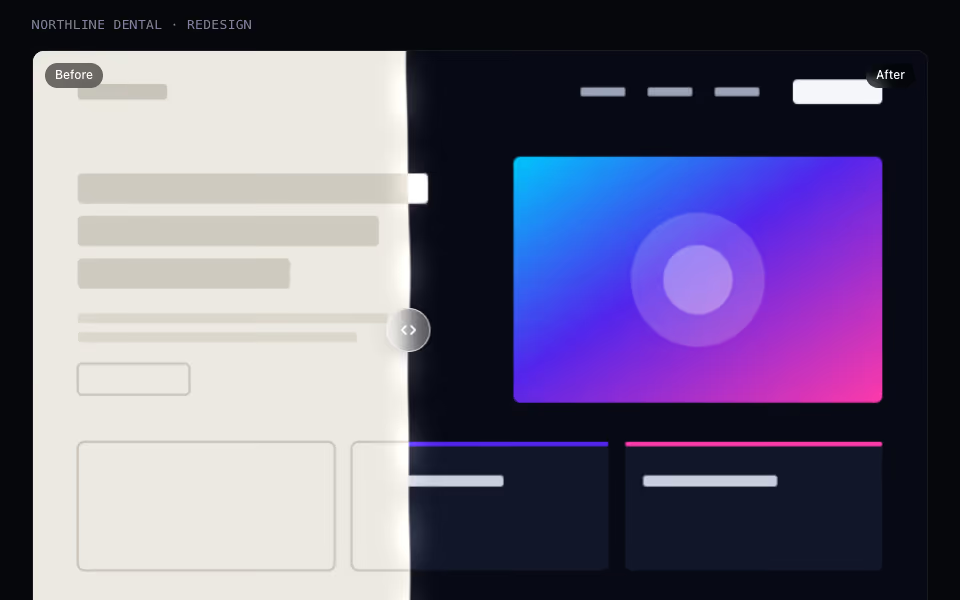
A before-and-after slider whose edge is a wobbling liquid seam; drag, tap or use the arrow keys.
Cursor and touch · WebGL2
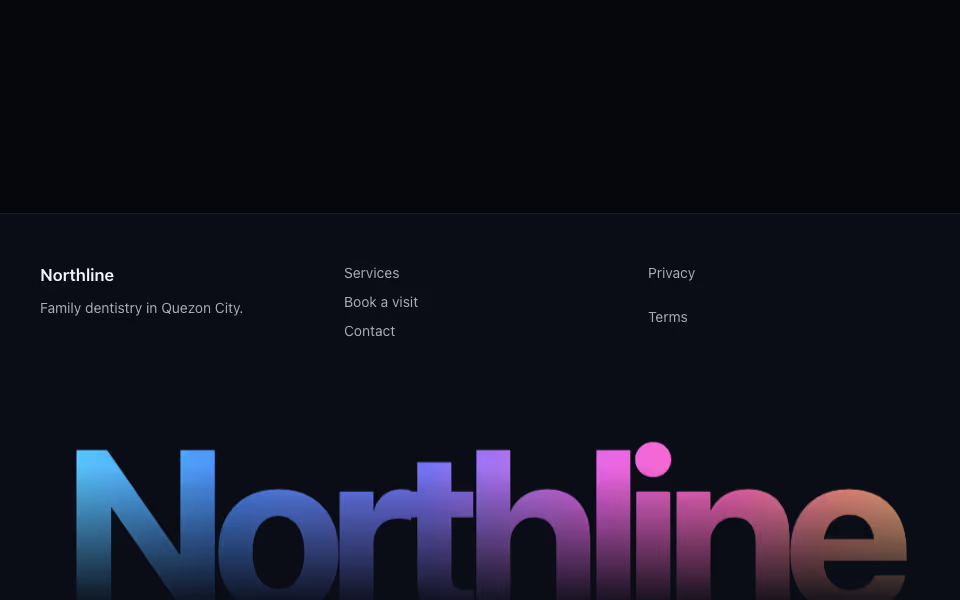
Footer Wordmark
FreeA poster-sized word for the foot of a page whose letters rise toward the cursor like equalizer bars.
Brand and proof · Motion