Kinetic Headline
A headline that rises into place word by word behind a mask, on CSS alone, with serif and spectrum accents.
npx shadcn@latest add @vibebox/kinetic-headlineControls
<KineticHeadline />About
An entrance for the most important words on a page. Each word sits in its own mask and rises into place on a short stagger, with a slight tilt that settles as it lands. A phrase can switch to the serif voice or to the spectrum gradient for emphasis. In mount mode the whole effect runs on CSS, so a hero heading animates before the page hydrates and costs no JavaScript; in view mode a tiny trigger plays it once when the heading scrolls in, and never hides a heading that is already on screen. The words are real text from the first paint. Ported from the VibeBox site's headings.
Use it when
- A hero or section heading should arrive with intent.
- A page needs a typographic moment without an image or 3D piece.
Skip it when
- The heading is long body copy; three to fourteen words read best.
- Several headings on one screen would all animate at once.
Install
- 1Add the VibeBox registry to
components.json:{ "registries": { "@vibebox": "https://motion.vibeboxph.com/r/{name}.json" } } - 2Add the component with the shadcn CLI:
npx shadcn@latest add @vibebox/kinetic-headline - 3Use it:
import { KineticHeadline } from "@/components/vibebox/kinetic-headline";

<KineticHeadline
  as="h1"
  segments={["Websites that feel", { text: "made", variant: "serif" }, "and", { text: "launch fast.", variant: "spectrum" }]}
  className="text-5xl font-semibold tracking-tight"
/>
Code
2 filescomponents/vibebox/kinetic-headline/index.tsx
/**
 * VibeBox Motion · Kinetic Headline
 * Copyright (c) 2026 VibeBox. Licensed under the VibeBox Motion Free License:
 * https://motion.vibeboxph.com/license
 * Use it in unlimited personal, commercial and client projects.
 * Do not sell or redistribute it as a component, kit, template or builder.
 */
import { Fragment, type CSSProperties, type ReactNode } from "react";
import { cn } from "@/lib/utils";
import { KineticTrigger } from "./kinetic-headline.client";

/*
 * A headline that rises into place word by word behind a mask. "mount" runs on CSS alone, so an
 * above-the-fold heading animates before hydration; "view" plays once, when the heading scrolls
 * in. The words are real text the whole time, for search engines and screen readers.
 */

export type KineticSegment =
  | string
  | { text: string; variant?: "serif" | "spectrum"; nowrap?: boolean }
  | { br: true; desktopOnly?: boolean };

type Word = { text: string; variant?: "serif" | "spectrum" } | { br: true; desktopOnly?: boolean };

const KEYFRAMES = `
@keyframes vb-kh-rise { from { transform: translate3d(0, 108%, 0) rotate(2deg); } to { transform: none; } }
@media (prefers-reduced-motion: no-preference) {
  [data-vb="kinetic-headline"][data-mode="mount"] [data-vb-kh-word],
  [data-vb="kinetic-headline"][data-state="in"] [data-vb-kh-word] {
    animation: vb-kh-rise calc(var(--vb-duration-section, 520ms) * 1.8) var(--ease-expo-out, cubic-bezier(0.16, 1, 0.3, 1)) both;
    animation-delay: var(--vb-kh-delay, 0ms);
  }
  [data-vb="kinetic-headline"][data-state="armed"] [data-vb-kh-word] { transform: translate3d(0, 108%, 0) rotate(2deg); }
}
`;

export type KineticHeadlineProps = {
  /** The heading text: plain strings, styled phrases, and line breaks. */
  segments: readonly KineticSegment[];
  /** The element to render. */
  as?: "h1" | "h2" | "h3" | "h4" | "p";
  /** "mount" plays on load with CSS alone; "view" plays once when the heading scrolls into view. */
  mode?: "mount" | "view";
  /** Seconds before the first word rises. */
  delay?: number;
  /** Seconds between words. */
  stagger?: number;
  /** Element id, for a section's aria-labelledby. */
  id?: string;
  className?: string;
};

function toWords(segments: readonly KineticSegment[]): Word[] {
  const words: Word[] = [];
  const split = (text: string, variant?: "serif" | "spectrum") =>
    text
      .split(/\s+/)
      .filter(Boolean)
      .forEach((part) => words.push({ text: part, variant }));
  for (const segment of segments) {
    if (typeof segment === "string") split(segment);
    else if ("br" in segment) words.push(segment);
    // One unit keeps a spectrum gradient continuous, or keeps a phrase on one line.
    else if (segment.variant === "spectrum" || segment.nowrap) words.push({ text: segment.text, variant: segment.variant });
    else split(segment.text, segment.variant);
  }
  return words;
}

export function KineticHeadline({ segments, as: Tag = "h2", mode = "mount", delay = 0, stagger = 0.06, id, className }: KineticHeadlineProps) {
  const words = toWords(segments);
  let order = 0;
  const content: ReactNode[] = words.map((word, index) => {
    if ("br" in word) return <br key={`br-${index}`} className={word.desktopOnly ? "hidden md:inline" : undefined} />;
    const wait = Math.round((delay + order++ * stagger) * 1000);
    const next = words[index + 1];
    // A desktop-only break is hidden on small screens, so the words still need a space.
    const space = next && (!("br" in next) || next.desktopOnly) ? " " : "";
    return (
      <Fragment key={`${word.text}-${index}`}>
        <span className="-mt-[0.04em] -mr-[0.06em] -mb-[0.14em] inline-block overflow-hidden pt-[0.04em] pr-[0.06em] pb-[0.14em] align-top whitespace-nowrap">
          <span
            data-vb-kh-word=""
            className={cn(
              "inline-block",
              word.variant === "serif" && "pr-[0.08em] font-serif font-normal tracking-[-0.02em] italic",
              word.variant === "spectrum" && "text-spectrum",
            )}
            style={{ "--vb-kh-delay": `${wait}ms` } as CSSProperties}
          >
            {word.text}
          </span>
        </span>
        {space}
      </Fragment>
    );
  });
  return (
    <Tag id={id} data-vb="kinetic-headline" data-mode={mode} data-state={mode === "view" ? "idle" : undefined} className={cn("block text-balance", className)}>
      <style href="vb-kinetic-headline" precedence="vb">
        {KEYFRAMES}
      </style>
      {content}
      {mode === "view" && <KineticTrigger />}
    </Tag>
  );
}
components/vibebox/kinetic-headline/kinetic-headline.client.tsx
/**
 * VibeBox Motion · Kinetic Headline
 * Copyright (c) 2026 VibeBox. Licensed under the VibeBox Motion Free License:
 * https://motion.vibeboxph.com/license
 * Use it in unlimited personal, commercial and client projects.
 * Do not sell or redistribute it as a component, kit, template or builder.
 */
"use client";

import { useEffect, useRef } from "react";

/**
 * "view" mode: hides the words only if the heading starts below the fold (so nothing on screen
 * ever flickers), then lets them rise once when it scrolls in. Without JavaScript, or with
 * reduced motion, the words simply stay put.
 */
export function KineticTrigger() {
  const ref = useRef<HTMLSpanElement>(null);
  useEffect(() => {
    const root = ref.current?.closest<HTMLElement>('[data-vb="kinetic-headline"]');
    if (!root || window.matchMedia("(prefers-reduced-motion: reduce)").matches) return;
    const box = root.getBoundingClientRect();
    if (box.top < window.innerHeight && box.bottom > 0) return;
    root.dataset.state = "armed";
    const observer = new IntersectionObserver(
      ([entry]) => {
        if (!entry?.isIntersecting) return;
        root.dataset.state = "in";
        observer.disconnect();
      },
      { threshold: 0.35 },
    );
    observer.observe(root);
    return () => observer.disconnect();
  }, []);
  return <span ref={ref} hidden />;
}
Props
| Prop | Type | Default | Description |
|---|---|---|---|
| segments * | readonly KineticSegment[] | — | Strings, styled phrases ({ text, variant: "serif" | "spectrum", nowrap }) and breaks ({ br, desktopOnly }). |
| as | "h1" | "h2" | "h3" | "h4" | "p" | "h2" | The element to render. |
| mode | "mount" | "view" | "mount" | Play on load (CSS only), or once when scrolled into view. |
| delay | number | 0 | Seconds before the first word rises. |
| stagger | number | 0.06 | Seconds between words. |
| id | string | — | Element id, for a section's aria-labelledby. |
| className | string | — | Merged with cn(); set the type size and weight here. |
Accessibility and motion
- Keyboard
- Not focusable; it is a heading.
- Screen readers
- Reads as one heading with normal spacing; the masks are layout only.
- Touch
- Nothing to touch.
- Reduced motion
- The heading is simply there: no rise, no mask movement.
Edge cases and limits
- Very long headings stagger for a long time; lower
staggeror split the heading. - A spectrum phrase stays on one line so its gradient is continuous.
Related
Liquid Word Swap
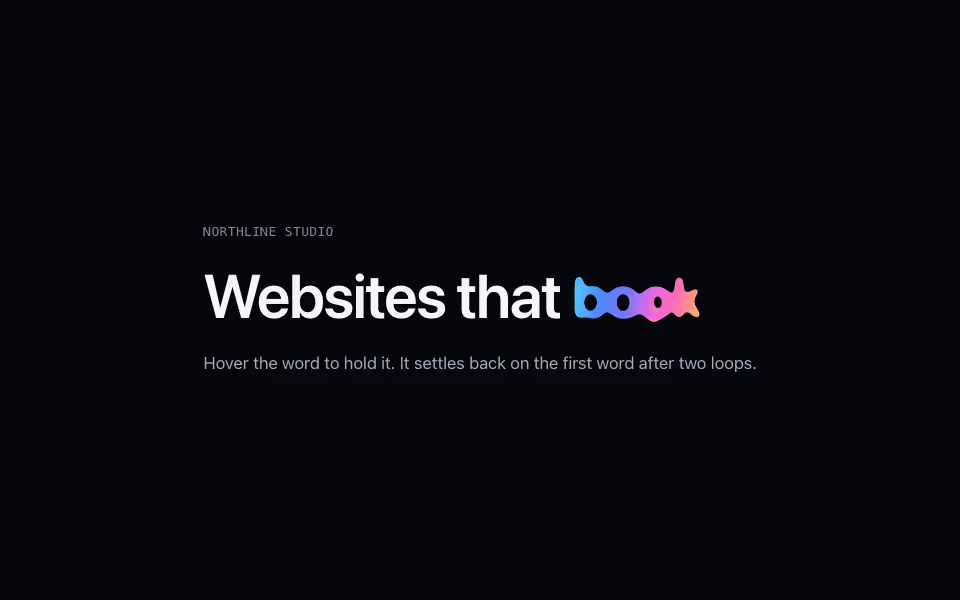
FreeOne word in a headline cycles through options with a liquid morph: "Websites that sell, book, grow".
Text · CSS
Odometer Stat
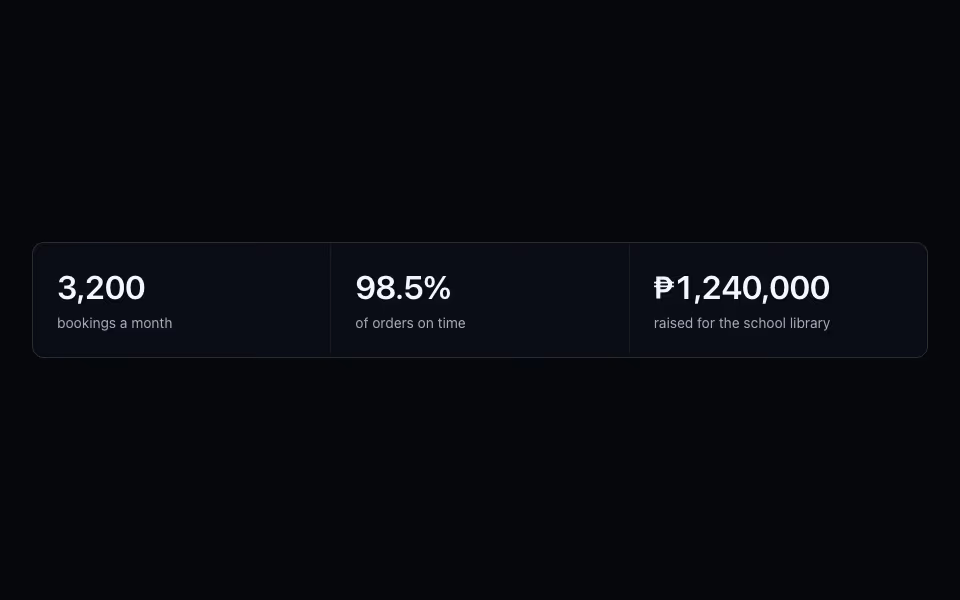
FreeRolling digits for real numbers: each digit spins once into place when visible, and screen readers get the value.
Text · CSS
Equalizer Ring
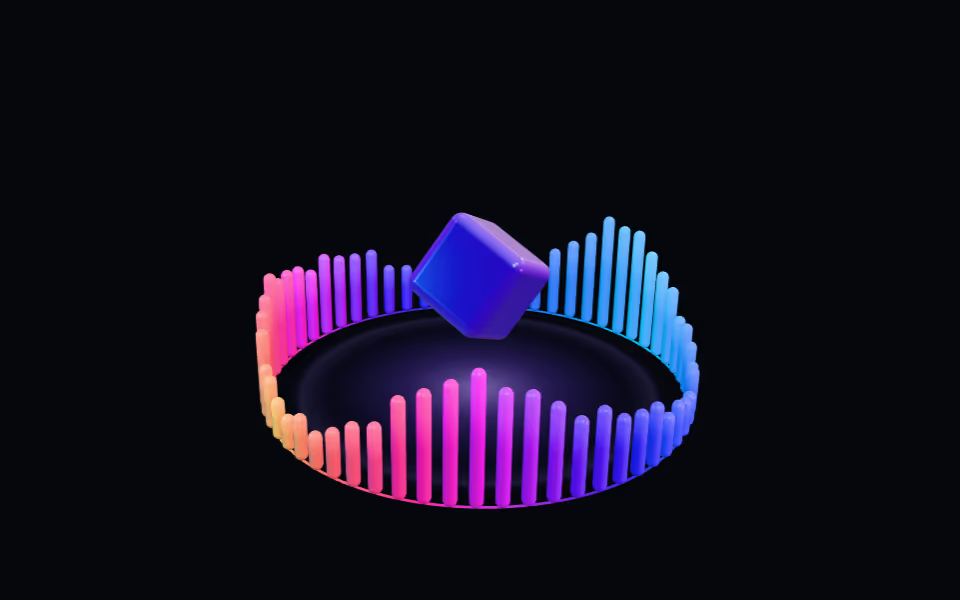
FreeA crown of light bars pulsing like a visualizer around a floating glass box; bars rise toward the pointer.
3D · three.js