Liquid Word Swap
One word in a headline cycles through options with a liquid morph: "Websites that sell, book, grow".
npx shadcn@latest add @vibebox/liquid-word-swapControls
<LiquidWordSwap />About
A headline that says three things. One word cycles through your options: the outgoing word drips downward and fades while the incoming one wells up letter by letter, and for the moment the two overlap a goo filter merges them like liquid. The filter is on only while letters move, so the resting word is crisp. The longest option reserves the space, so the line never jumps. It pauses while the pointer or focus is on it, stops on the first word after a few loops, and never moves under reduced motion; screen readers hear the options once as a list. Original to VibeBox Motion.
Use it when
- A hero headline serves several audiences or offers ("sell, book, grow").
- A short, punchy line needs one moving part.
Skip it when
- The options are long sentences; one to three words each read best.
- More than one swapping word would be on screen.
Install
- 1Add the VibeBox registry to
components.json:{ "registries": { "@vibebox": "https://motion.vibeboxph.com/r/{name}.json" } } - 2Add the component with the shadcn CLI:
npx shadcn@latest add @vibebox/liquid-word-swap - 3Use it:
import { LiquidWordSwap } from "@/components/vibebox/liquid-word-swap";

<h1 className="text-5xl font-semibold">
  Websites that <LiquidWordSwap words={["sell", "book", "grow"]} tone="spectrum" />
</h1>
Code
2 filescomponents/vibebox/liquid-word-swap/index.tsx
/**
 * VibeBox Motion · Liquid Word Swap
 * Copyright (c) 2026 VibeBox. Licensed under the VibeBox Motion Free License:
 * https://motion.vibeboxph.com/license
 * Use it in unlimited personal, commercial and client projects.
 * Do not sell or redistribute it as a component, kit, template or builder.
 */
export { LiquidWordSwap, type LiquidWordSwapProps } from "./liquid-word-swap.client";
components/vibebox/liquid-word-swap/liquid-word-swap.client.tsx
/**
 * VibeBox Motion · Liquid Word Swap
 * Copyright (c) 2026 VibeBox. Licensed under the VibeBox Motion Free License:
 * https://motion.vibeboxph.com/license
 * Use it in unlimited personal, commercial and client projects.
 * Do not sell or redistribute it as a component, kit, template or builder.
 */
"use client";

import { useEffect, useId, useRef, useState, type CSSProperties } from "react";
import { cn } from "@/lib/utils";

/*
 * One word in a headline that cycles through options with a liquid morph: the old word drips
 * away as the new one wells up, letter by letter, and a goo filter (on only while letters move)
 * merges them like liquid. It pauses on hover and focus, stops after a few loops on the first
 * word, and never moves under reduced motion. Screen readers hear every option once.
 */

const KEYFRAMES = `
@keyframes vb-lws-in { from { transform: translateY(0.55em) scale(0.7, 1.25); opacity: 0; } 55% { opacity: 1; } to { transform: none; opacity: 1; } }
@keyframes vb-lws-out { to { transform: translateY(0.45em) scale(1.15, 0.6); opacity: 0; } }
@media (prefers-reduced-motion: no-preference) {
  [data-vb="liquid-word-swap"][data-state="swapping"] [data-vb-lws-word="in"] [data-vb-lws-letter] {
    animation: vb-lws-in 640ms var(--ease-expo-out, cubic-bezier(0.16, 1, 0.3, 1)) both;
    animation-delay: calc(var(--vb-lws-i) * 38ms);
  }
  [data-vb="liquid-word-swap"][data-state="swapping"] [data-vb-lws-word="out"] [data-vb-lws-letter] {
    animation: vb-lws-out 420ms cubic-bezier(0.5, 0, 0.75, 0) both;
    animation-delay: calc(var(--vb-lws-i) * 28ms);
  }
}
[data-vb-lws-tone="spectrum"] {
  background-image: var(--vb-gradient-spectrum-text);
  background-size: calc(var(--vb-lws-n) * 100%) 100%;
  background-position: calc(var(--vb-lws-i) * 100% / max(var(--vb-lws-n) - 1, 1)) 0;
  -webkit-background-clip: text;
  background-clip: text;
  color: transparent;
}
`;

export type LiquidWordSwapProps = {
  /** The options, in order; the first is where it starts and stops. */
  words: readonly string[];
  /** Seconds each word holds. */
  interval?: number;
  /** Full cycles before it settles on the first word. Use Infinity only with a pause control nearby. */
  loops?: number;
  /** Inherit the heading's colour, paint the word with the spectrum, or switch it to the serif voice. */
  tone?: "inherit" | "spectrum" | "serif";
  /** Where shorter words sit in the space the longest one reserves. */
  align?: "start" | "center";
  /** What screen readers hear instead of the list of words. */
  srLabel?: string;
  className?: string;
};

export function LiquidWordSwap({ words, interval = 2.4, loops = 2, tone = "inherit", align = "start", srLabel, className }: LiquidWordSwapProps) {
  const rootRef = useRef<HTMLSpanElement>(null);
  const filterId = `vb-lws-${useId().replace(/[^a-zA-Z0-9-]/g, "")}`;
  const [active, setActive] = useState(0);
  const [leaving, setLeaving] = useState<number | null>(null);
  const [blur, setBlur] = useState(3);
  const [paused, setPaused] = useState(false);
  const [visible, setVisible] = useState(false);
  const [swaps, setSwaps] = useState(0);
  const total = Math.max(1, loops) * words.length;
  const key = words.join("\u0000");

  // A fresh list starts over.
  useEffect(() => {
    setActive(0);
    setLeaving(null);
    setSwaps(0);
  }, [key, loops]);

  useEffect(() => {
    const root = rootRef.current;
    if (!root) return;
    // The goo radius follows the font size, so the merge looks the same at any size.
    setBlur(Math.max(1.5, parseFloat(getComputedStyle(root).fontSize) * 0.07));
    const observer = new IntersectionObserver(([entry]) => setVisible(Boolean(entry?.isIntersecting)));
    observer.observe(root);
    const onVisibility = () => setVisible(!document.hidden && root.getBoundingClientRect().bottom > 0);
    document.addEventListener("visibilitychange", onVisibility);
    return () => {
      observer.disconnect();
      document.removeEventListener("visibilitychange", onVisibility);
    };
  }, []);

  const playing = visible && !paused && words.length > 1 && swaps < total;
  useEffect(() => {
    if (!playing || leaving !== null) return;
    if (window.matchMedia("(prefers-reduced-motion: reduce)").matches) return;
    const timer = window.setTimeout(() => {
      setLeaving(active);
      setActive((index) => (index + 1) % words.length);
      setSwaps((count) => count + 1);
    }, interval * 1000);
    return () => window.clearTimeout(timer);
  }, [playing, leaving, active, interval, words.length]);

  // The swap ends when the last incoming letter lands.
  useEffect(() => {
    if (leaving === null) return;
    const longest = Math.max([...(words[active] ?? "")].length, [...(words[leaving] ?? "")].length);
    const timer = window.setTimeout(() => setLeaving(null), 700 + longest * 38);
    return () => window.clearTimeout(timer);
  }, [leaving, active, words]);

  const label = srLabel ?? new Intl.ListFormat("en", { type: "disjunction" }).format(words);

  return (
    <span
      ref={rootRef}
      data-vb="liquid-word-swap"
      data-state={leaving === null ? "rest" : "swapping"}
      onPointerEnter={() => setPaused(true)}
      onPointerLeave={() => setPaused(false)}
      onFocus={() => setPaused(true)}
      onBlur={() => setPaused(false)}
      className={cn("relative inline-grid align-baseline", className)}
    >
      <style href="vb-liquid-word-swap" precedence="vb">
        {KEYFRAMES}
      </style>
      <span className="sr-only">{label}</span>
      <span aria-hidden="true" className="inline-grid" style={leaving === null ? undefined : { filter: `url(#${filterId})` }}>
        {words.map((word, wordIndex) => {
          const role = wordIndex === active ? "in" : wordIndex === leaving ? "out" : "idle";
          const letters = [...word];
          return (
            <span
              key={`${word}-${wordIndex}`}
              data-vb-lws-word={role}
              className={cn(
                "col-start-1 row-start-1 whitespace-nowrap",
                align === "center" ? "justify-self-center" : "justify-self-start",
                role === "idle" && "invisible",
                tone === "serif" && "font-serif font-normal italic",
              )}
            >
              {letters.map((char, index) => (
                <span
                  key={index}
                  data-vb-lws-letter=""
                  data-vb-lws-tone={tone === "spectrum" ? "spectrum" : undefined}
                  className="inline-block"
                  style={{ "--vb-lws-i": index, "--vb-lws-n": letters.length } as CSSProperties}
                >
                  {char === " " ? " " : char}
                </span>
              ))}
            </span>
          );
        })}
      </span>
      <svg aria-hidden="true" width="0" height="0" className="absolute">
        <filter id={filterId}>
          <feGaussianBlur in="SourceGraphic" stdDeviation={blur} result="blur" />
          <feColorMatrix in="blur" values="1 0 0 0 0  0 1 0 0 0  0 0 1 0 0  0 0 0 18 -7" result="goo" />
          <feComposite in="SourceGraphic" in2="goo" operator="atop" />
        </filter>
      </svg>
    </span>
  );
}
Props
| Prop | Type | Default | Description |
|---|---|---|---|
| words * | readonly string[] | — | The options, in order; the first is where it starts and stops. |
| interval | number | 2.4 | Seconds each word holds. |
| loops | number | 2 | Full cycles before it settles on the first word. Use Infinity only with a pause control nearby. |
| tone | "inherit" | "spectrum" | "serif" | "inherit" | The heading's colour, the spectrum gradient, or the serif voice. |
| align | "start" | "center" | "start" | Where shorter words sit in the space the longest reserves. |
| srLabel | string | — | What screen readers hear instead of the list of words. |
| className | string | — | Merged with cn(). |
Accessibility and motion
- Keyboard
- Not focusable; focus inside a parent link or heading pauses it.
- Screen readers
- Announces the options once as a list ("sell, book, or grow"), or
srLabel; the moving letters are hidden. - Touch
- Nothing to touch; it stops on its own after
loopscycles. - Reduced motion
- The first word only; no swapping.
Edge cases and limits
- Very different word lengths leave space after short words; use
align="center"in centred headings. - Emoji and combining characters are split by code point and may animate oddly; prefer plain words.
Related
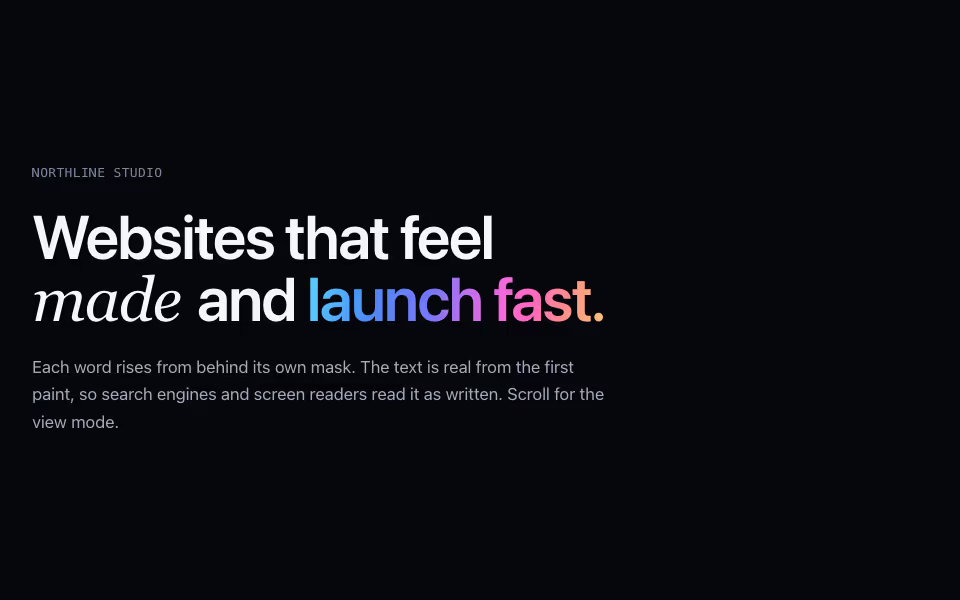
Kinetic Headline
FreeA headline that rises into place word by word behind a mask, on CSS alone, with serif and spectrum accents.
Text · CSS
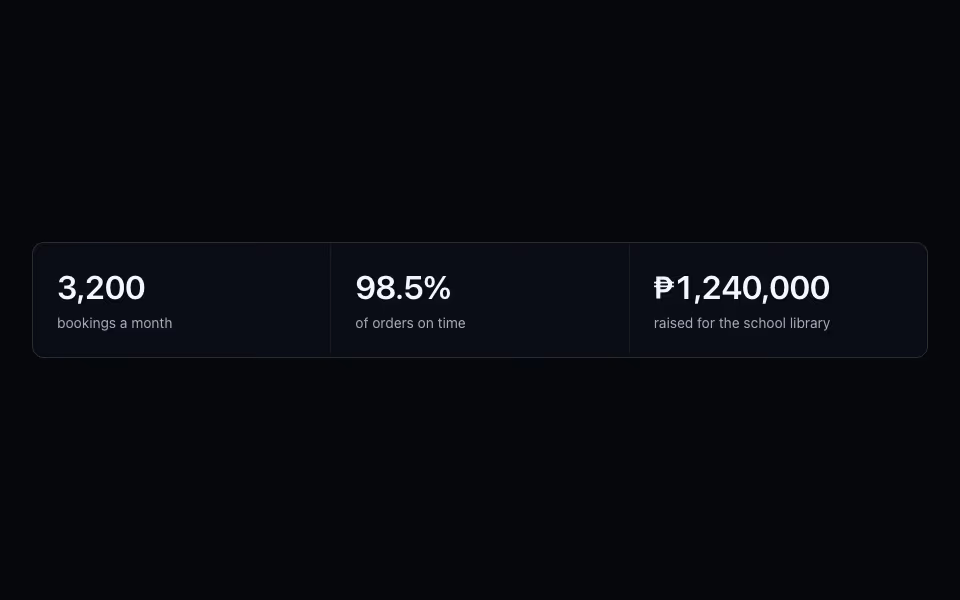
Odometer Stat
FreeRolling digits for real numbers: each digit spins once into place when visible, and screen readers get the value.
Text · CSS
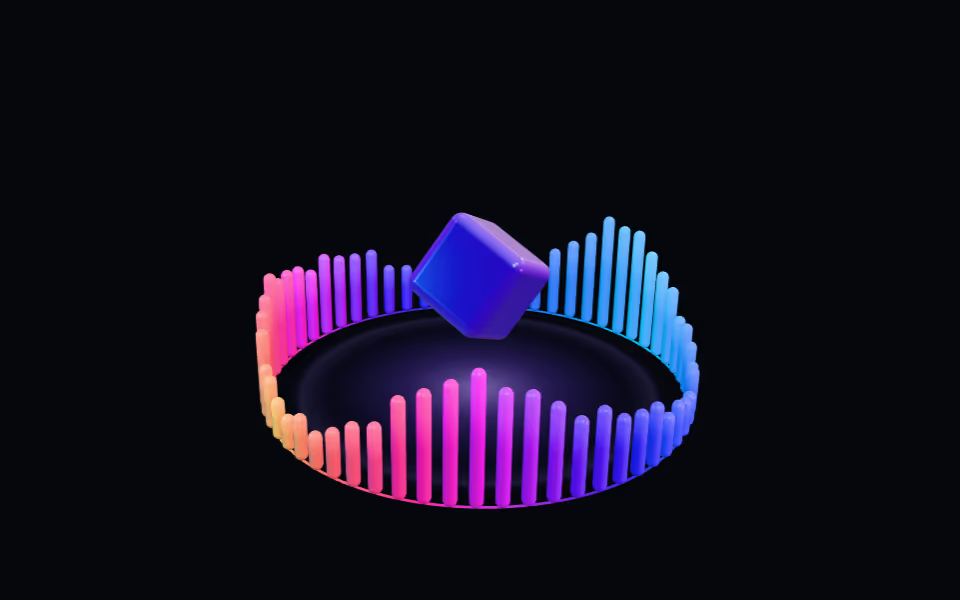
Equalizer Ring
FreeA crown of light bars pulsing like a visualizer around a floating glass box; bars rise toward the pointer.
3D · three.js