Quick Chat Contact
Contact as a conversation: a chat panel whose quick questions open the business's chat app, prefilled.
Controls
<ContactQuickChat />About
Original, for businesses whose customers start in chat apps. No live chat service: the links open the business's own apps.
Use it when
- Customers message more than they call.
Skip it when
- The business runs live chat software: embed that instead.
Install
The demo above is live today. Installing Pro items opens with VibeBox Motion Pro; join the waitlist to hear first.
Code
The source is part of VibeBox Motion Pro.
Licensed per seat; it installs with the same shadcn command once Pro opens.
See Pro and join the waitlistContent
Typed slots from schema.ts. Facts (hours, prices, quotes, names) come only from the business; until then they render as fill-ins.
| Slot | Label | Type | Limit | Fact |
|---|---|---|---|---|
| eyebrow | Kicker | text | 32 chars | — |
| heading | Heading | text | 60 chars | — |
| lead | Intro | text | 160 chars | — |
| channels | Ways to reach you | list | up to 6 | — |
| channels[].kind | Channel | choice | — | — |
| channels[].label | Label | text | 24 chars | — |
| channels[].value | Value | fact | 120 chars | Yes, a fill-in until given |
| form.nameLabel | Name field | text | 24 chars | — |
| form.emailLabel | Email field | text | 24 chars | — |
| form.messageLabel | Message field | text | 40 chars | — |
| form.submitLabel | Send button | text | 24 chars | — |
| form.note | Form note | text | 120 chars | — |
| media | Map or photo | image | — | — |
| chatTitle | Chat title | text | 40 chars | — |
| chatGreeting | Chat greeting | text | 160 chars | — |
| quickQuestions | Quick questions | list | up to 4 | — |
| quickQuestions[] | Quick question | text | 60 chars | — |
Variants
Chat rightdefault
chat-right
Channels and form left, the chat panel right.
Chat left
chat-left
The chat panel left.
Accessibility and motion
- Keyboard
- Channels, the form, then each quick question link.
- Screen readers
- The chat panel is a greeting and a list of links named by their questions.
- Touch
- Question chips are 40 px tall.
- Reduced motion
- Panels appear without their reveal.
Edge cases and limits
- No real chat channel: questions jump to the form.
- A Messenger link carries the text where Messenger supports it.
Related
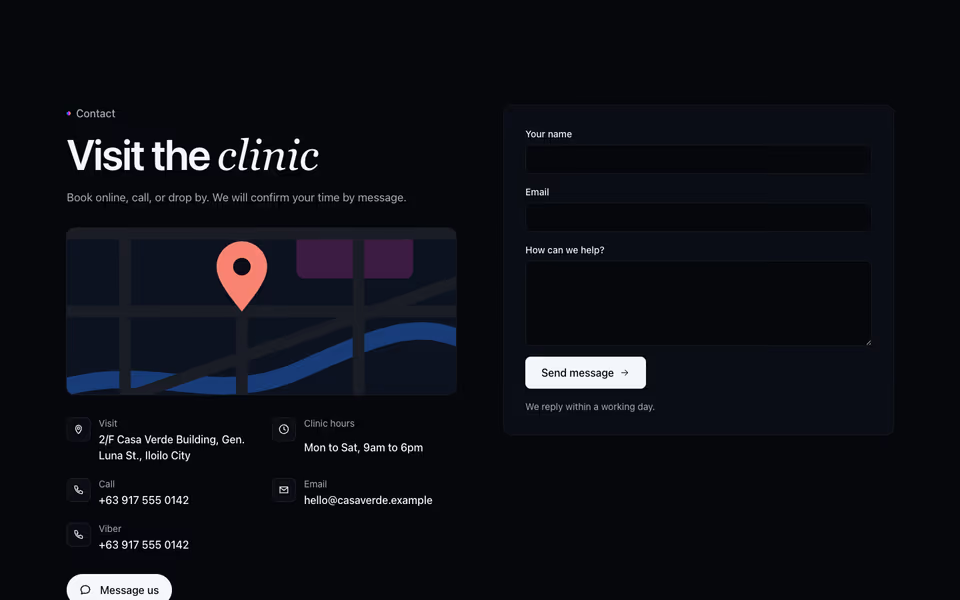
The split contact section with a Contact Bloom button that opens the phone and chat apps the business uses.
Contact block · Server
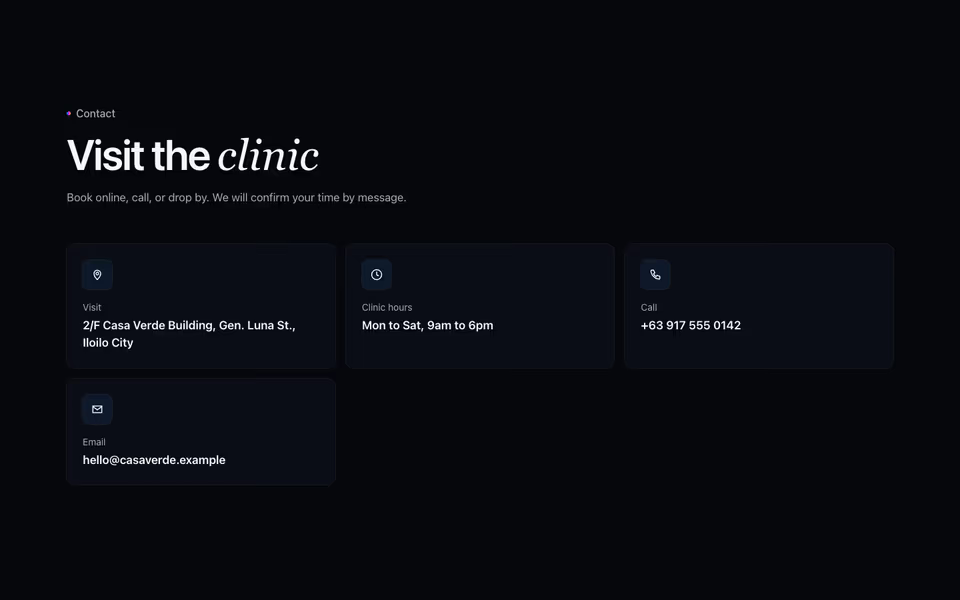
Contact Cards
FreeOne card per way to reach the business (call, visit, message), or a list of rows; facts until given.
Contact block · Server
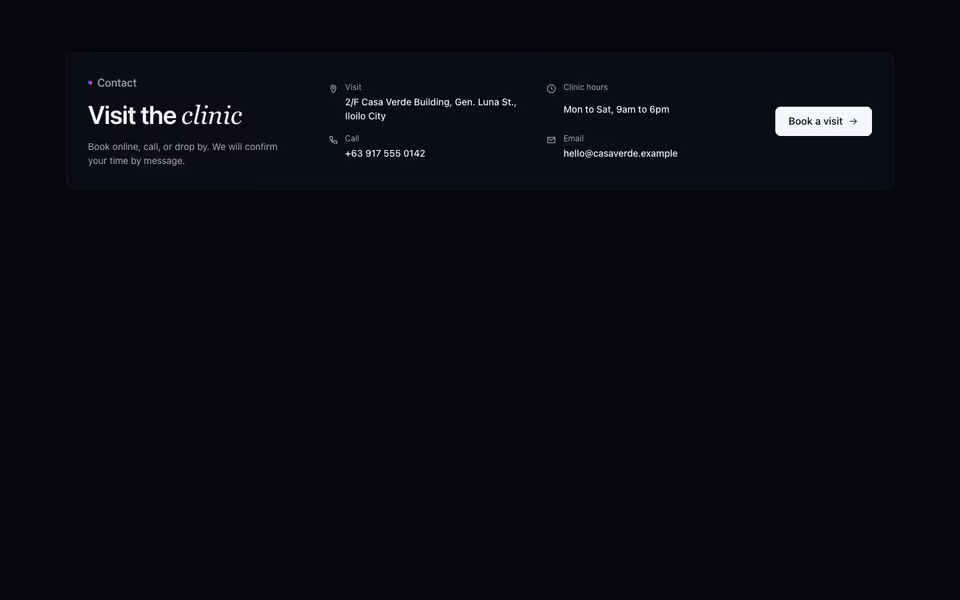
Contact Strip
FreeA compact contact band: the heading, every channel on one line and one action.
Contact block · Server